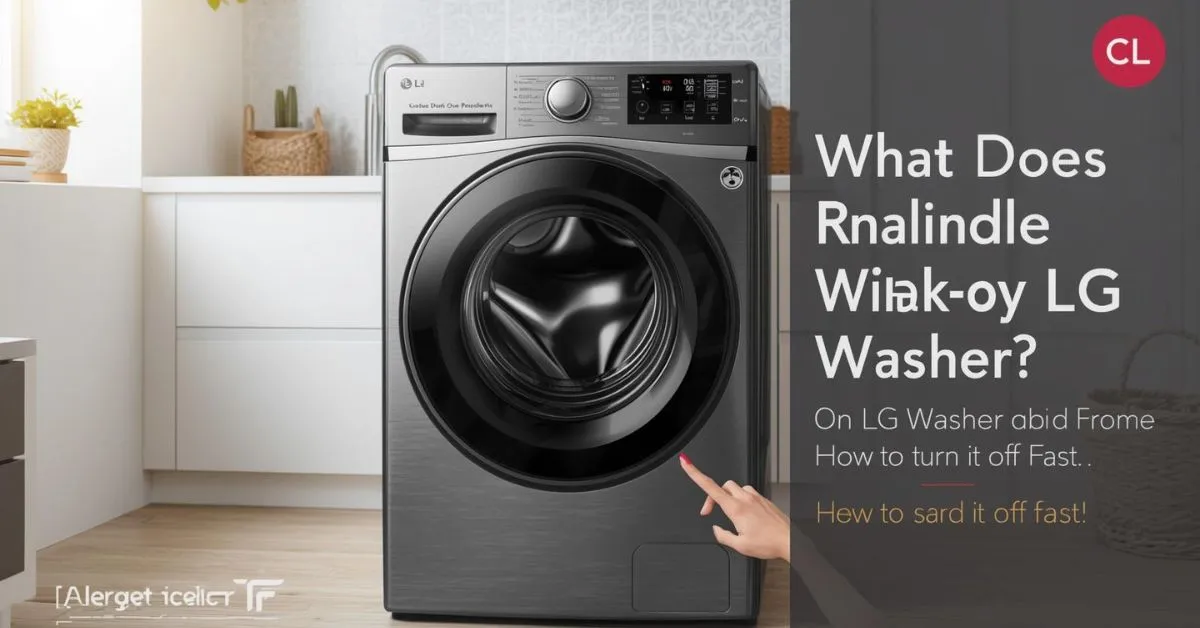
CL on an LG washer usually means the Child Lock or Control Lock feature is turned on. It is not usually a true error code. In most cases, you can remove it by turning the washer on and holding the lock-marked button or button combination for about 3 seconds.
If your LG washer display suddenly shows CL, the machine is often fine. The display is usually telling you that the control panel has been locked to prevent accidental button presses.
The tricky part is that LG uses different button labels and unlock methods across front-load washers, top-load washers, WashTower models, SideKick units, and newer menu-based interfaces. That is why the best fix is not guessing. It is using the right unlock method for your model.
How to turn off CL right now
Start here if you just want the washer working again:
- Turn the washer on. LG says the unit should be powered on before you deactivate Child Lock or Control Lock.
- Look for a lock icon or a button labeled Child Lock, Control Lock, or CL. On some washers, it is one button. On others, it is a two-button combination.
- Press and hold the correct button or button pair for about 3 to 5 seconds. That is the most common LG instruction across washer models.
- If it does not work, check your control panel for one of LG’s common patterns: Temp + Rinse, Spin, Steam, Pre-Wash, Tub Clean, Option, Extra Rinse, or a Settings menu path on newer models.
What CL means on an LG washer
On LG washers, CL usually means Child Lock is active. LG also uses the term Control Lock on some newer interfaces, but the idea is the same: the washer locks the control panel so settings cannot be changed accidentally.
This is the most important point: CL is usually not a fault code. LG’s support pages say it is an indicator that the child lock feature is active. That means the first thing to do is unlock the controls, not assume the machine has a serious mechanical problem.
Which button turns off CL on my LG washer?
This is where many weak articles fall short. There is no single unlock button for every LG washer. LG’s official support pages show that the correct method depends on the control panel design and the model family.
Common LG unlock methods
Depending on the washer, LG uses patterns like these:
- Lock symbol models: hold Temp + Rinse for 3 seconds.
- Models with a Child Lock-labeled button: hold Spin for 3 seconds.
- Models with Steam: hold Steam for 3 seconds.
- WashTower washer controls: hold Spin on the washer control panel for 3 seconds.
- Some washers in LG’s error-code guidance: hold Pre-Wash or Tub Clean for 3 seconds. On some models, Option is used instead.
- LG SideKick washer: hold Extra Rinse for 3 seconds.
- WM6998-style menu models: go to Settings > Control Lock > Disable.
Single-button vs two-button models
LG’s own child-lock guide splits washers into single-button and dual-button models. If your control panel does not have one clear Child Lock button, LG says to look for two buttons with a lock symbol and hold them together for 3 to 5 seconds. That small detail matters because many users keep pressing the wrong key and assume the washer is frozen.
Why only the power button works
This is one of the biggest real-world pain points. When CL is on, LG says the control-lock feature disables the panel, and on many washers any button except the power button will not work. That is why the washer can feel broken even when it is only locked.
On some newer LG models, the behavior is slightly different. For example, LG’s WM6998 Control Lock guide says that when Control Lock is enabled, Power and Settings still work, while other buttons do not.
So if your washer still lets you open Settings, that does not mean CL is off. It may just be using LG’s newer control-lock behavior.
Why CL stays on after the cycle ends
Another confusing detail is that Child Lock can stay active after the wash is over. LG says that once enabled, the feature can remain on at the end of the cycle and may still remain active even when the machine is powered off. That is why CL can still be there the next time you try to use the washer.
So if you finished a load yesterday and today the washer only shows CL, that usually does not mean a new failure appeared overnight. It often means the lock was left on.
What to do if CL will not turn off
If CL stays on, go through these steps in order:
1) Hold the button long enough
LG’s support instructions repeatedly say 3 to 5 seconds. A quick tap usually will not do it.
2) Use the right button for your exact panel
Do not guess based on another LG model. Depending on the washer, the control may be tied to Temp + Rinse, Spin, Steam, Pre-Wash, Tub Clean, Option, Extra Rinse, or a Settings menu.
3) Check whether your washer uses one button or two
If there is no dedicated Child Lock button, LG says your model may use a two-button lock combination instead.
4) Check the owner’s manual
LG explicitly recommends using the owner’s manual because the exact steps vary by model.
5) Treat it as a different problem if CL is not actually engaged
LG says that if the keys are still unresponsive and Child Lock is not engaged, the washer may need repair service. In other words, CL is usually simple, but a dead panel after correct unlocking is a different issue.
CL vs similar LG washer codes
A lot of searchers confuse CL with other display messages. Here is the easy way to separate them:
- CL: Child Lock or Control Lock is active. The control panel is locked.
- dE / dE1 / dE2: the washer is having a door or lock problem, such as a door that is not closed properly or not locking.
- tCL: it is time to run the Tub Clean cycle. It is a maintenance reminder, not a control-lock message.
That distinction matters because the fix for CL is usually a button press, while dE-type problems and tCL maintenance reminders need very different steps.
When to use Child Lock and when not to
Child Lock is useful when you want to prevent children or other people from changing a cycle while the washer is running. LG describes it as a control-panel lock that prevents unwanted changes during a wash or dry cycle.
It is less useful when multiple people in the house use the washer and may not realize the controls are locked. In that case, leaving it on can create confusion and make the machine look unresponsive.
Since the feature may remain active after the cycle ends or after the washer is powered off, it is better to turn it off when you no longer need it.
Common mistakes to avoid
One common mistake is assuming CL means the washer is broken. LG’s support content is clear that CL is usually an indicator, not a major error code.
Another mistake is pressing random buttons instead of the correct lock-marked control. Because LG uses several different unlock methods across model lines, the wrong button will do nothing and waste time.
A third mistake is confusing CL with tCL or dE. Those messages point to different problems and need different fixes.
FAQ
Does CL mean my LG washer is broken?
Usually no. LG says CL is generally an indicator that the child-lock feature is active, not a true error code.
How long should I hold the button to remove CL?
Usually about 3 to 5 seconds, depending on the model and interface.
Why does only the power button work?
LG says that when Control Lock is on, the panel may stop responding and only the power key may work. On some newer models, Power and Settings may still work.
Is CL the same as Control Lock?
On many LG washers, yes in practical terms. LG often uses Child Lock, while some newer interfaces use Control Lock for the same locking function.
What buttons turn off CL on LG washers?
It depends on the model. Common LG examples include Temp + Rinse, Spin, Steam, Pre-Wash, Tub Clean, Option, Extra Rinse, or a Settings menu path on newer models.
Is CL different from tCL?
Yes. CL is a lock feature. tCL is a reminder to run the Tub Clean cycle.
What if CL will not turn off even after I hold the button?
LG recommends checking the exact model instructions in the owner’s manual. If the keys remain unresponsive and Child Lock is not actually engaged, service may be needed.
Does CL stay on after the wash cycle ends?
It can. LG says Child Lock may remain active after the cycle ends and may still stay on even after the machine is powered off.
Bottom line
If you are wondering what CL means on an LG washer, the answer is usually simple: the Child Lock or Control Lock feature is on. Most of the time, the washer is not broken. Turn the machine on, hold the correct lock-marked button or button combination for 3 to 5 seconds, and the display should clear.
If it does not, check your model’s manual or LG support because the exact unlock method varies across LG washer designs.

Hi, I’m Evan Lexor, the voice behind Meanpedia.com. I break down English words, slang, and phrases into clear, simple meanings that actually make sense. From modern internet terms to everyday expressions, my goal is straightforward: help you understand English better, faster, and with confidence, one word at a time.